How-To Guides · Tech help
Lost Your Phone? How to Find, Lock, or Erase It (Android + iPhone)
Can't find your phone? Don't panic. From any other phone or computer, you can make it ring, see it on a map, and lock it. Here's how, on Android and iPhone.
1. Android: Find Hub
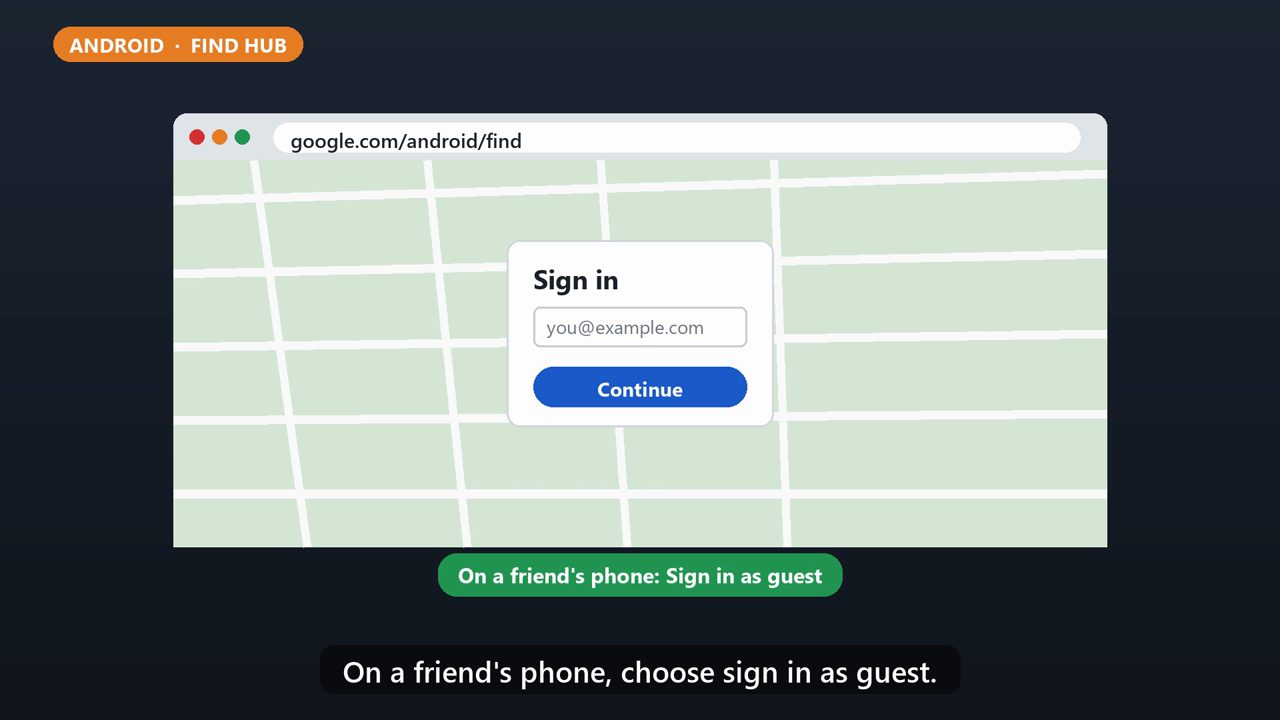
For Android, go to google.com/android/find, or open the Find Hub app on another Android device, and sign in with your Google account. On a friend's phone, choose sign in as guest.
2. Iphone: Find My
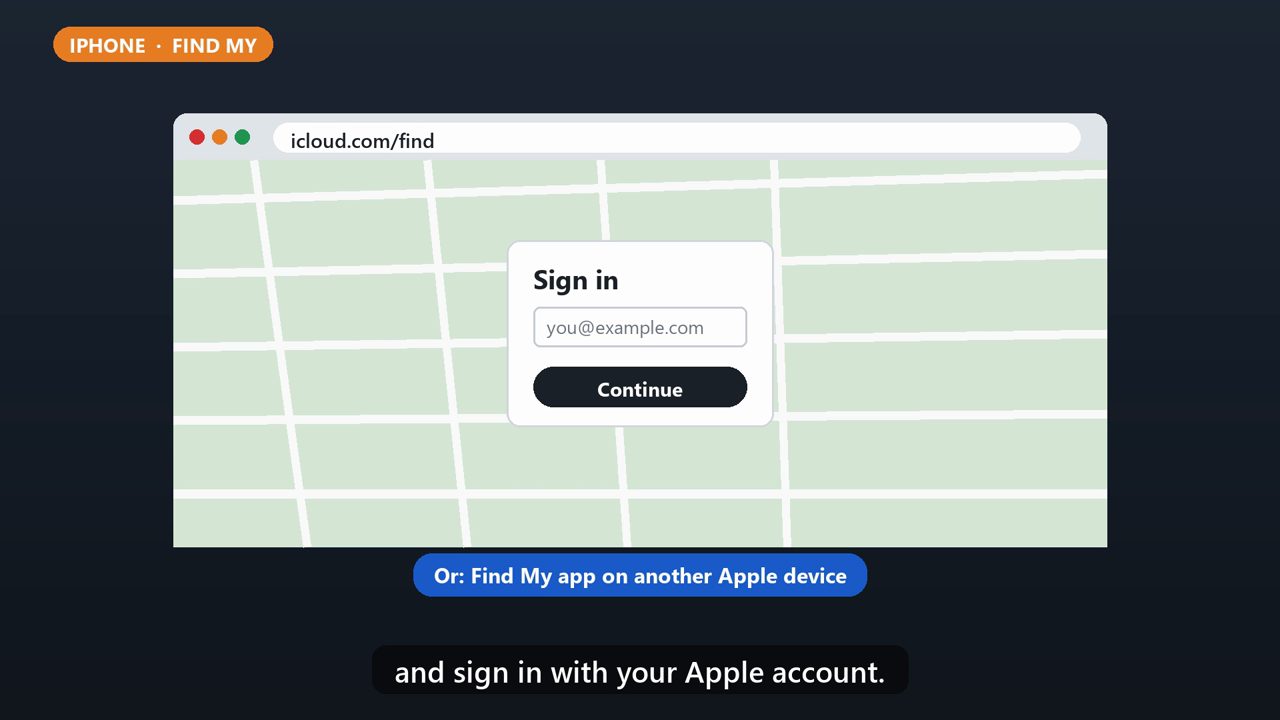
For iPhone, go to icloud.com/find, or open the Find My app on another Apple device, and sign in with your Apple account.
3. Step 1: Make It Ring
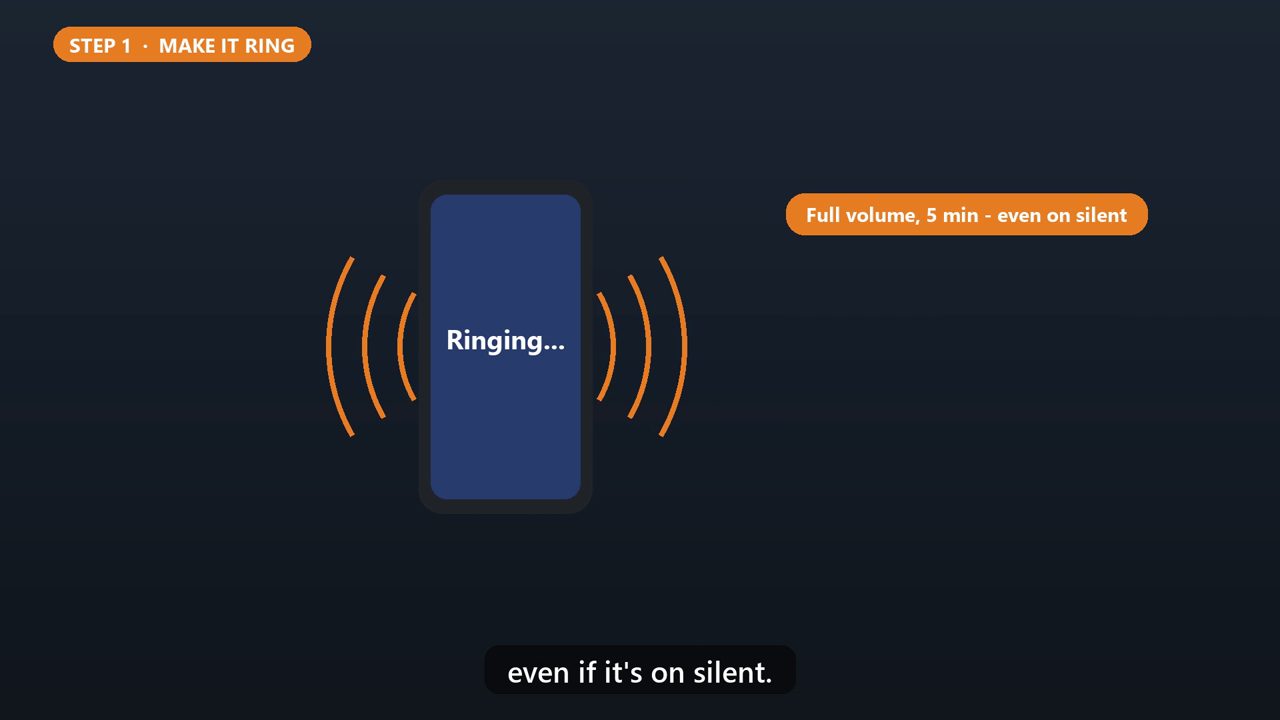
Think it's nearby? Choose play sound. On Android, it rings at full volume for five minutes, even if it's on silent.
4. Step 2: Lock It
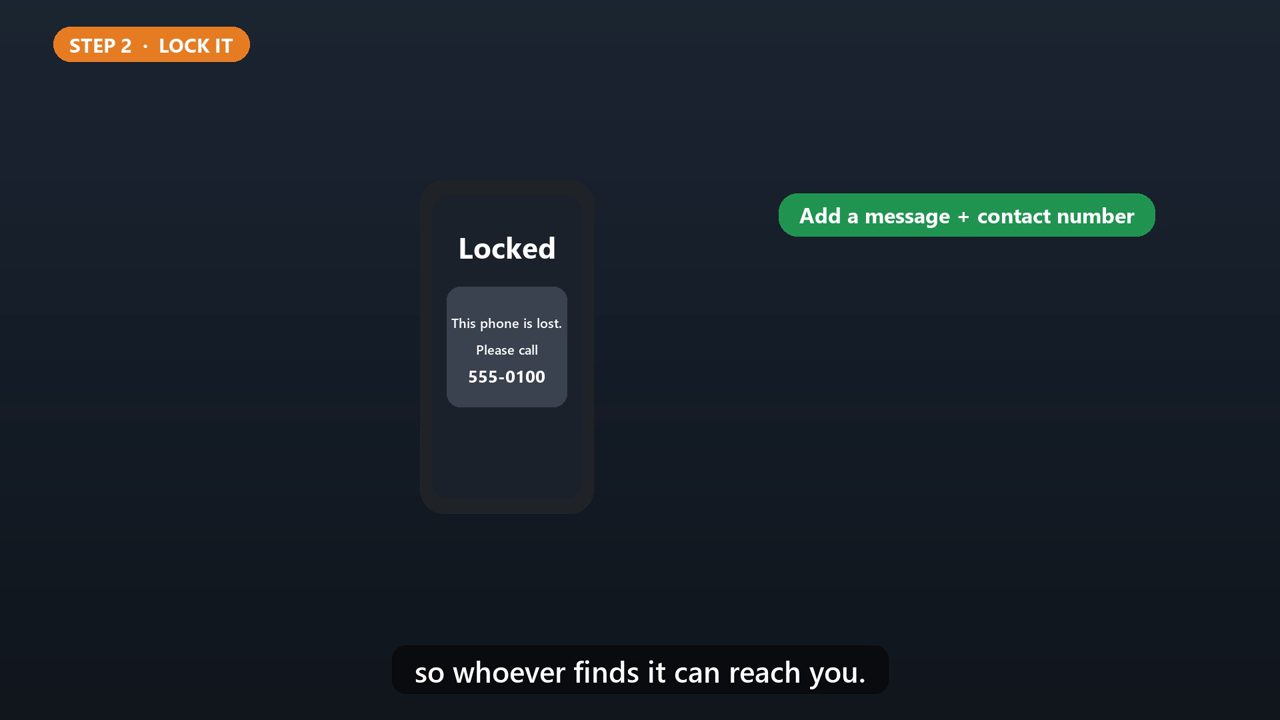
If it's really lost, lock it. On Android, choose secure device. On iPhone, turn on lost mode. You can add a message with a contact number, so whoever finds it can reach you.
5. Last Resort: Erase
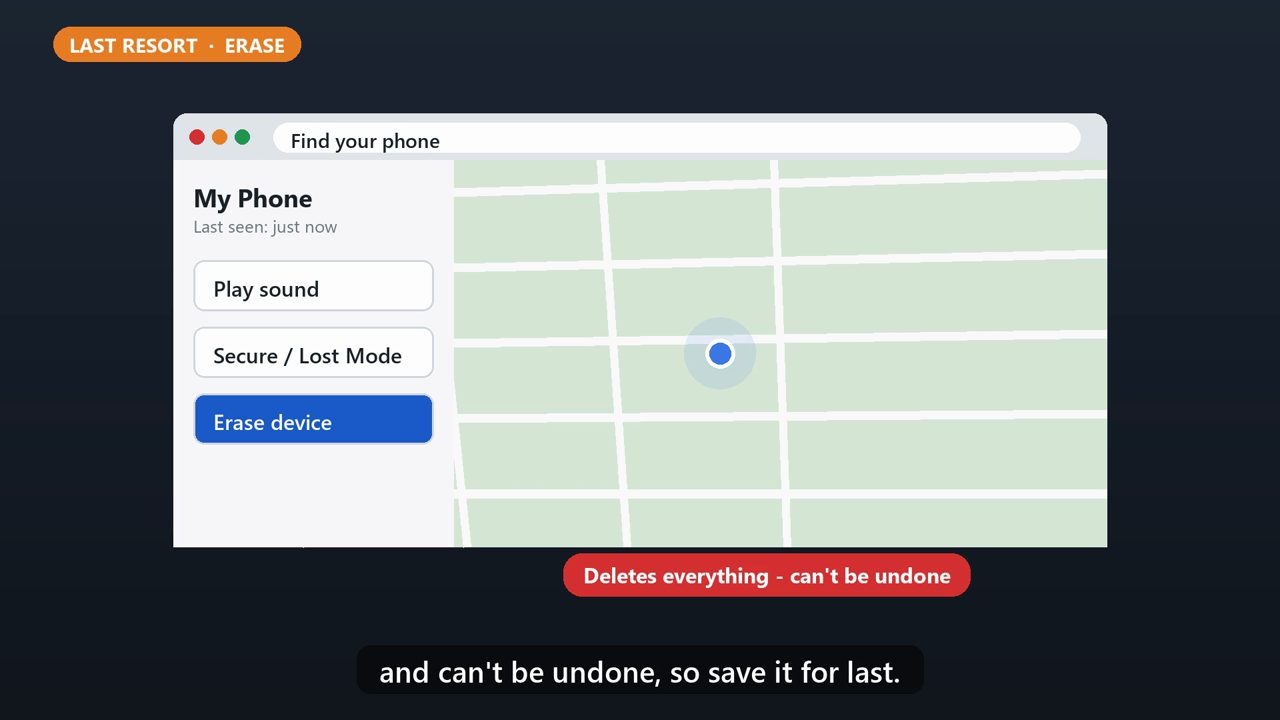
If you think it's gone for good, you can erase it. But this permanently deletes everything, and can't be undone, so save it for last.
6. Do This Now
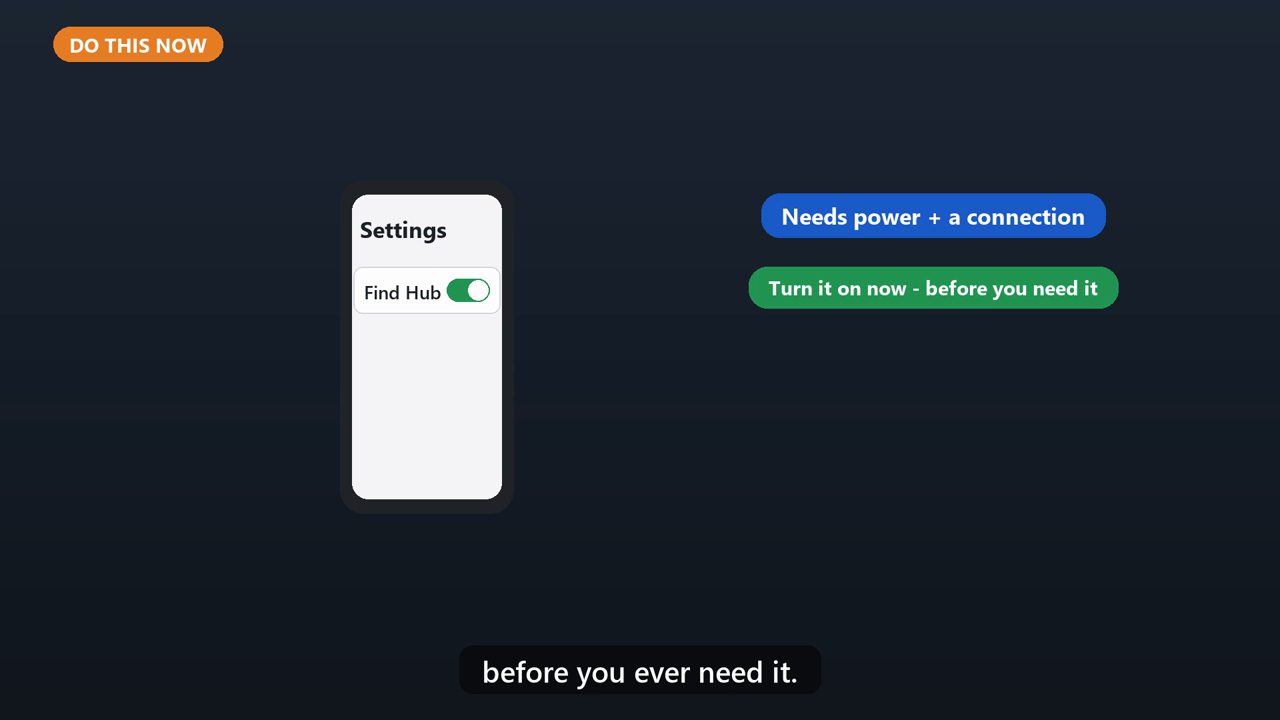
For this to work, the phone needs power and a connection. On Android, make sure Find Hub is turned on in your settings, before you ever need it.
Tools that make this easier
Simple Google Sheets + Excel tools from WiscHaven. Buy once, no subscription.




Sources
Checked against the official sources above. Steps can change as apps update - tell us if something looks different: wischavenindustries@gmail.com