How-To Guides · Online safety
How to Stop Spam and Robocalls (Block, Filter, Report)
Tired of spam calls? You probably can't stop every one, but you can cut way down. Here are the FTC's tips, from the easiest to the most powerful.
1. Step 1: Block The Number
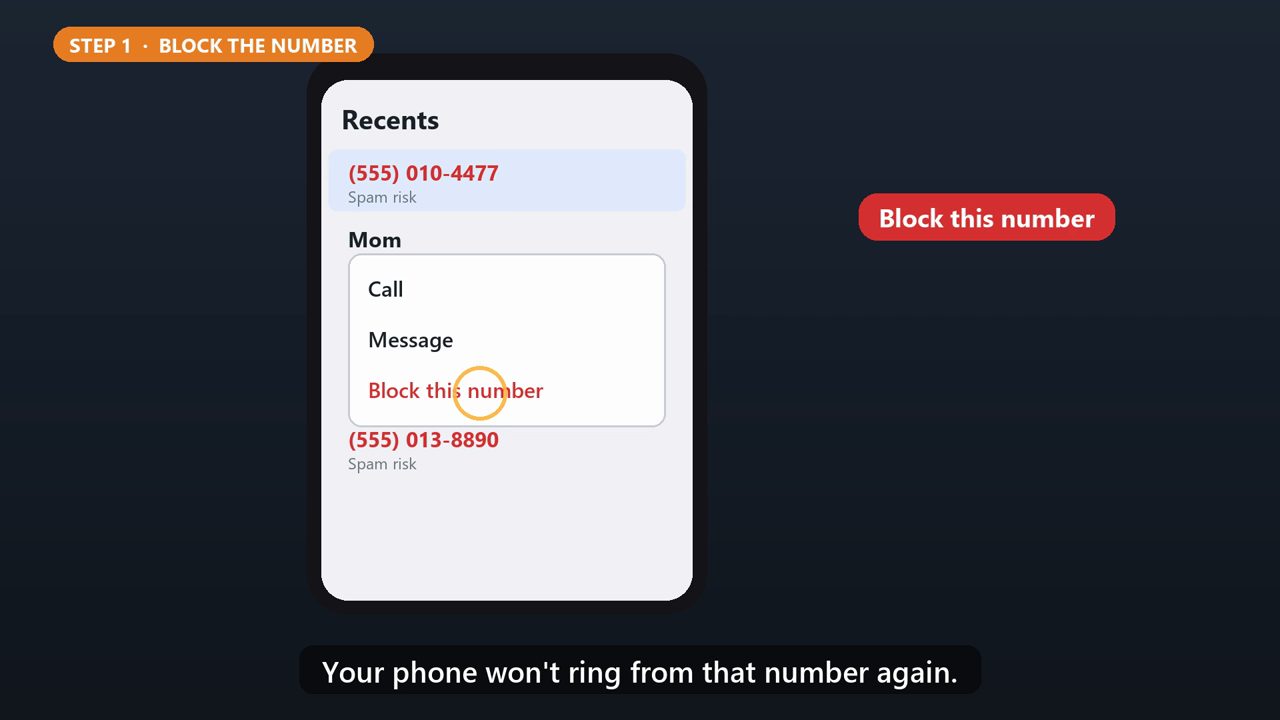
On most phones, after a spam call, open your recent calls, tap the number, and choose Block. Your phone won't ring from that number again.
2. Step 2: Do Not Disturb
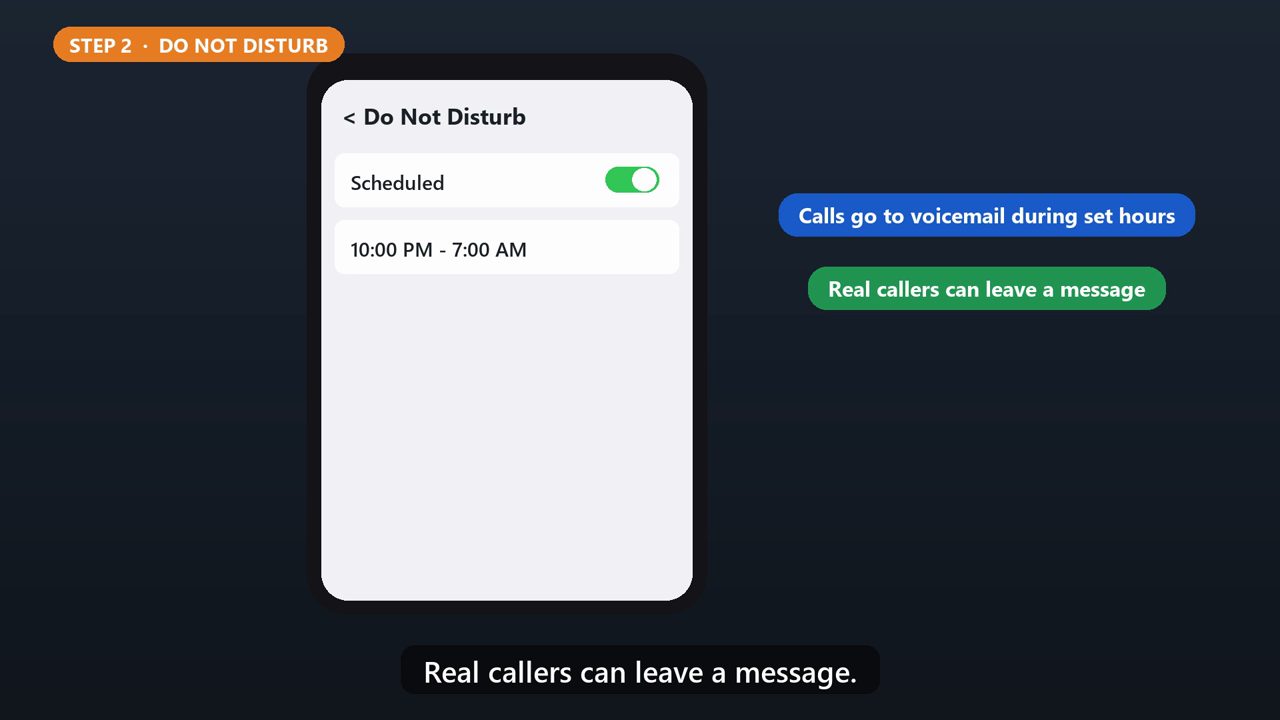
Do Not Disturb sends calls straight to voicemail during the hours you pick, like overnight. Real callers can leave a message.
3. Step 3: Ask Your Carrier
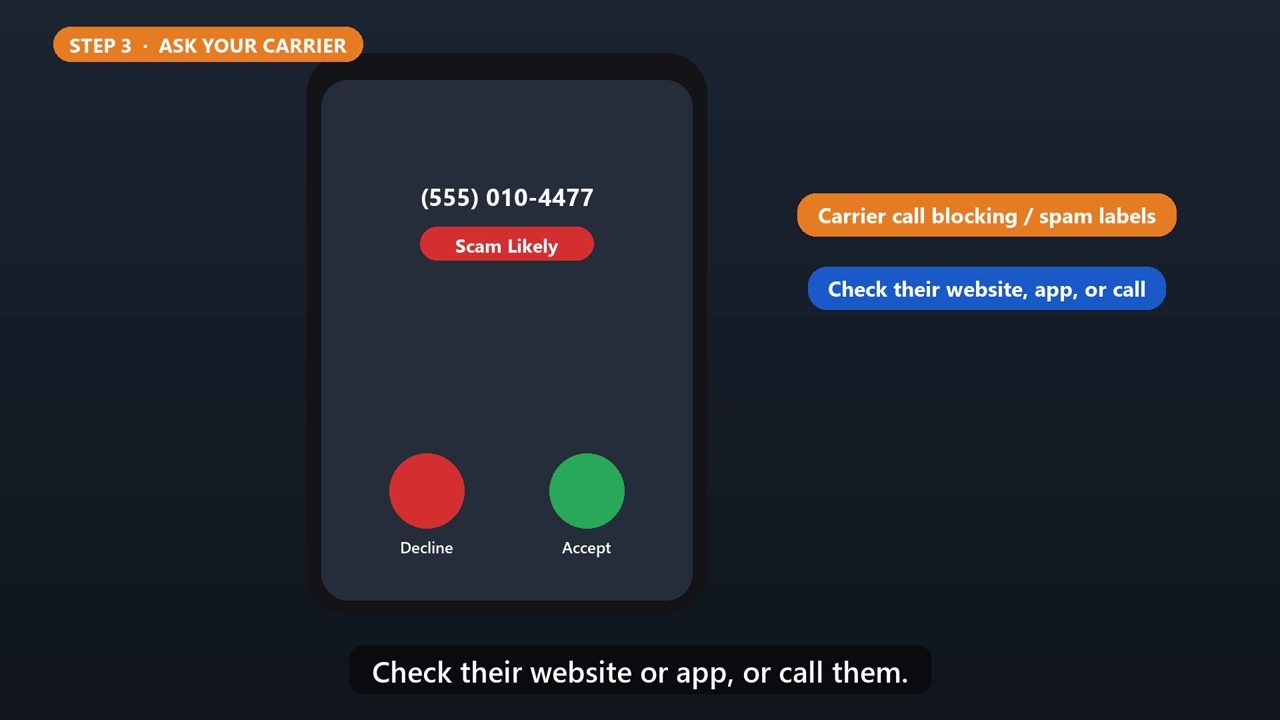
Your phone company may offer free call blocking, or spam labels on incoming calls. Check their website or app, or call them.
4. Step 4: A Call-Blocking App
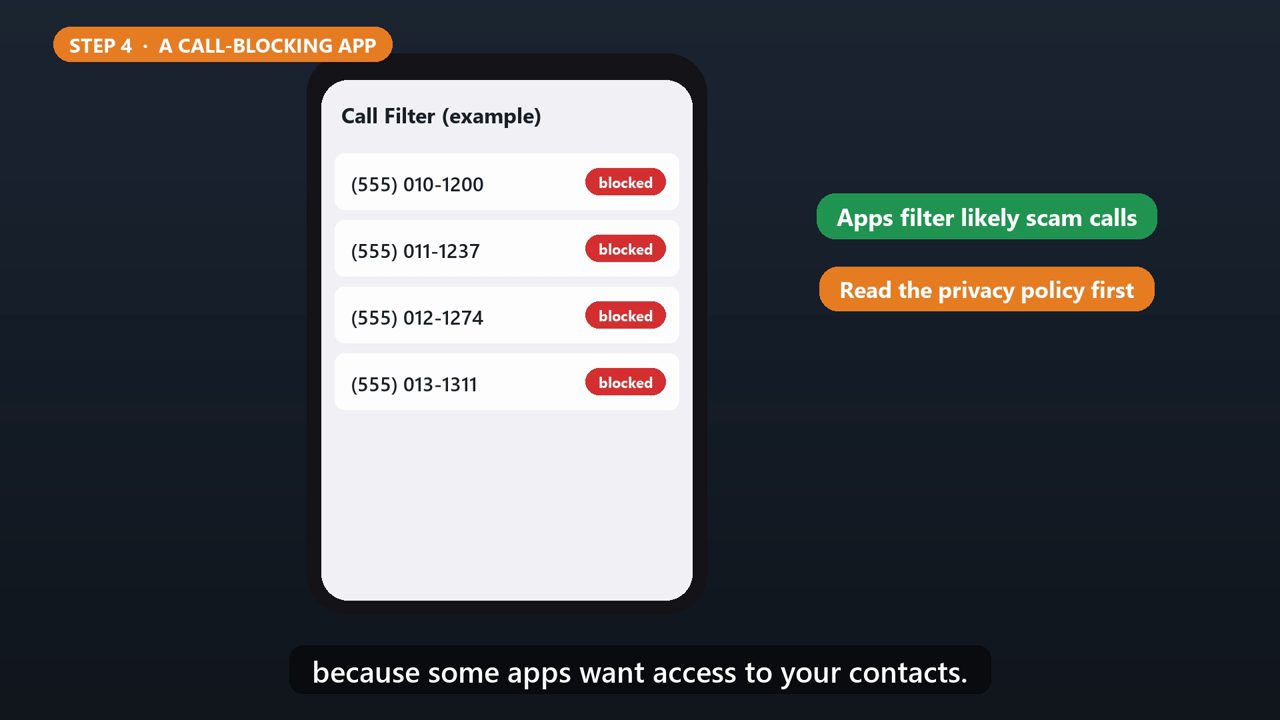
Call blocking apps filter out likely scam calls. Check the reviews, and read the privacy policy first, because some apps want access to your contacts.
5. Do Not Call Registry
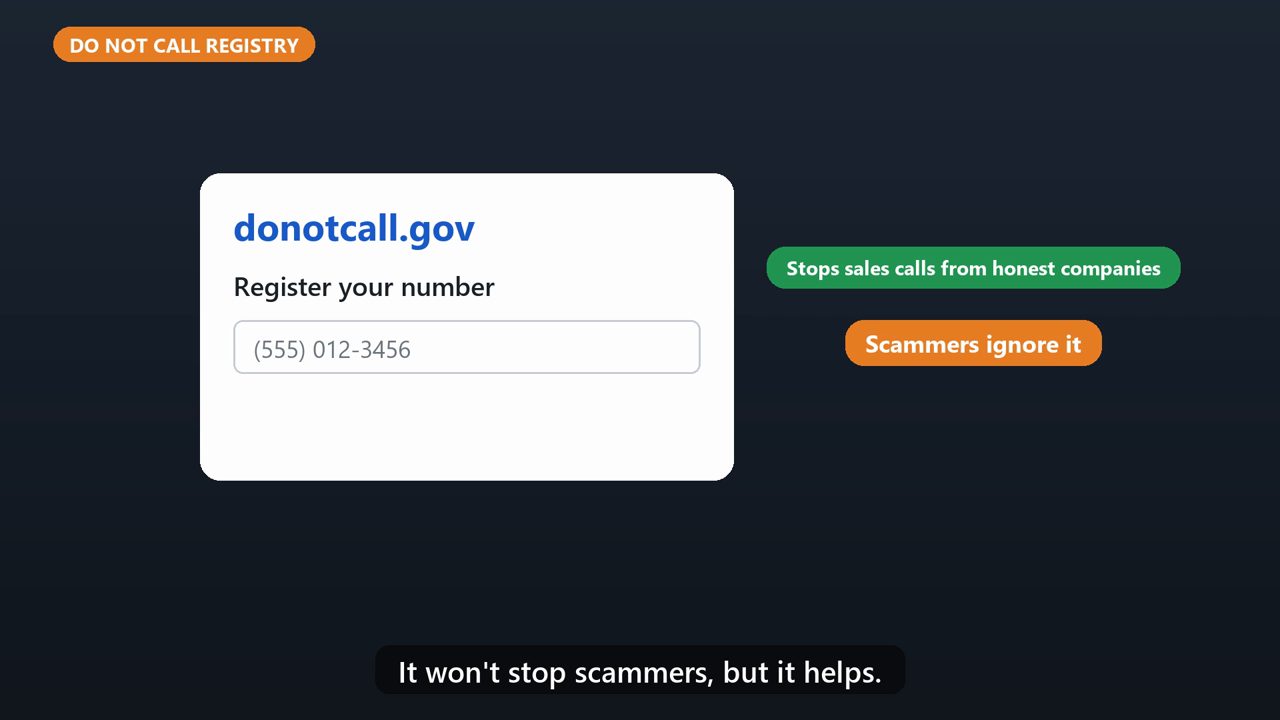
Sign up at donotcall.gov. It stops sales calls from honest companies. It won't stop scammers, but it helps.
6. Report It
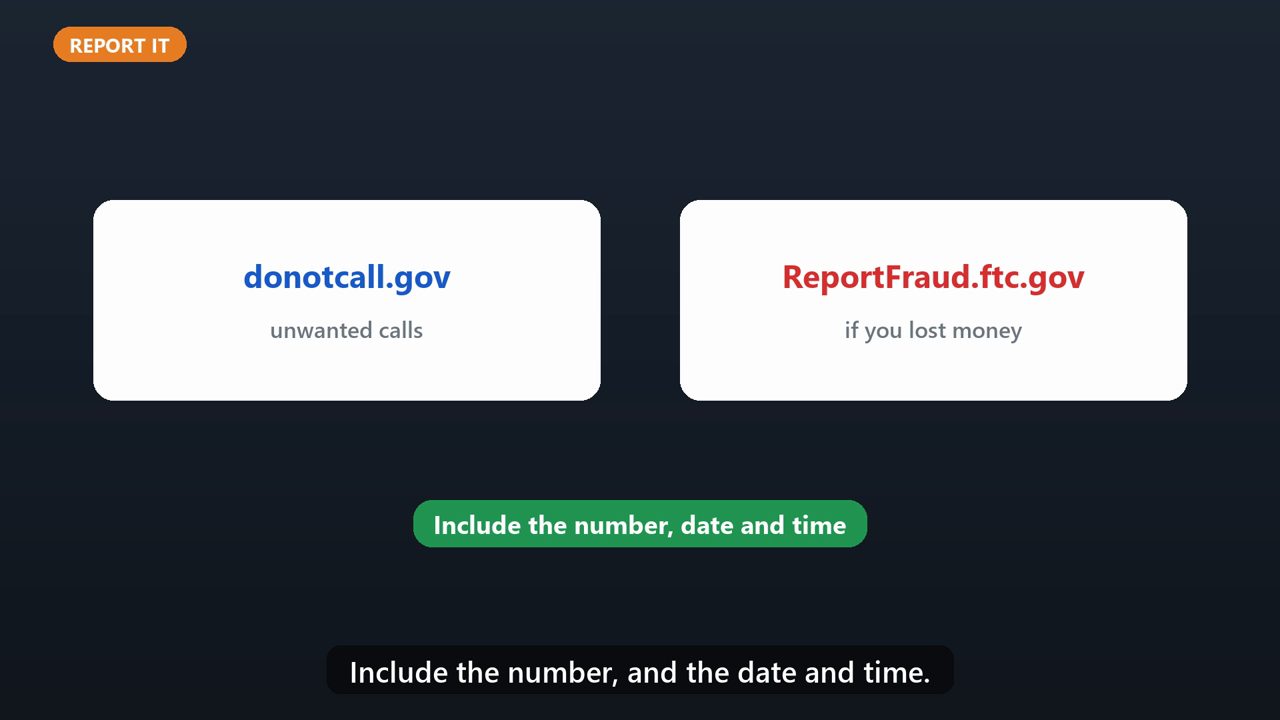
Report unwanted calls at donotcall.gov. If you lost money, report it at ReportFraud.ftc.gov. Include the number, and the date and time.
Tools that make this easier
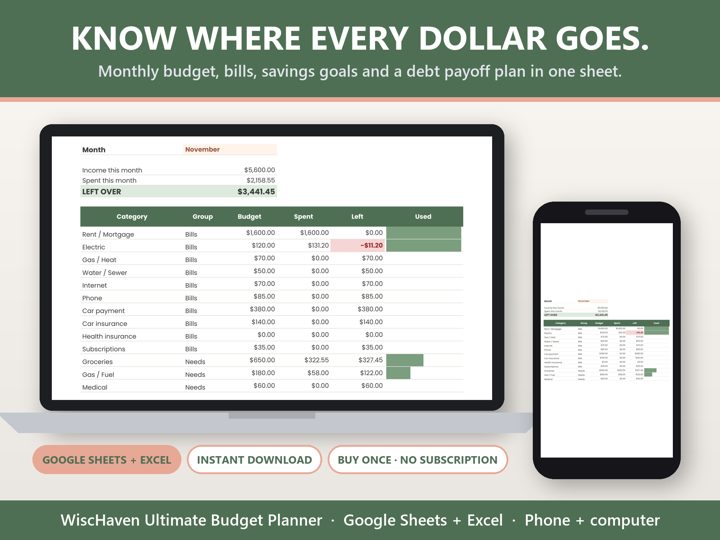
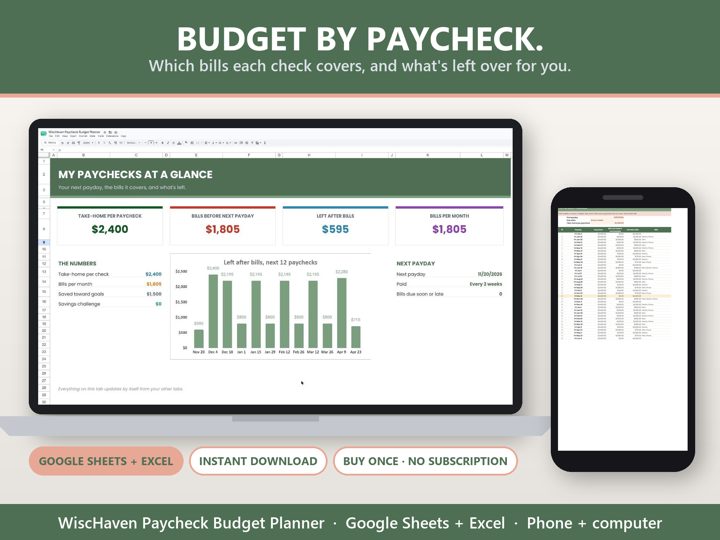
Simple Google Sheets + Excel tools from WiscHaven. Buy once, no subscription.
Sources
Checked against the official sources above. Steps can change as apps update - tell us if something looks different: wischavenindustries@gmail.com