How-To Guides · Tech help
How to Find Any Word on a Web Page (Ctrl+F and Phones)
Scrolling through a long web page, looking for one word? There's a shortcut that finds it instantly. It works on computers, and on phones.
1. On A Computer: Control + F
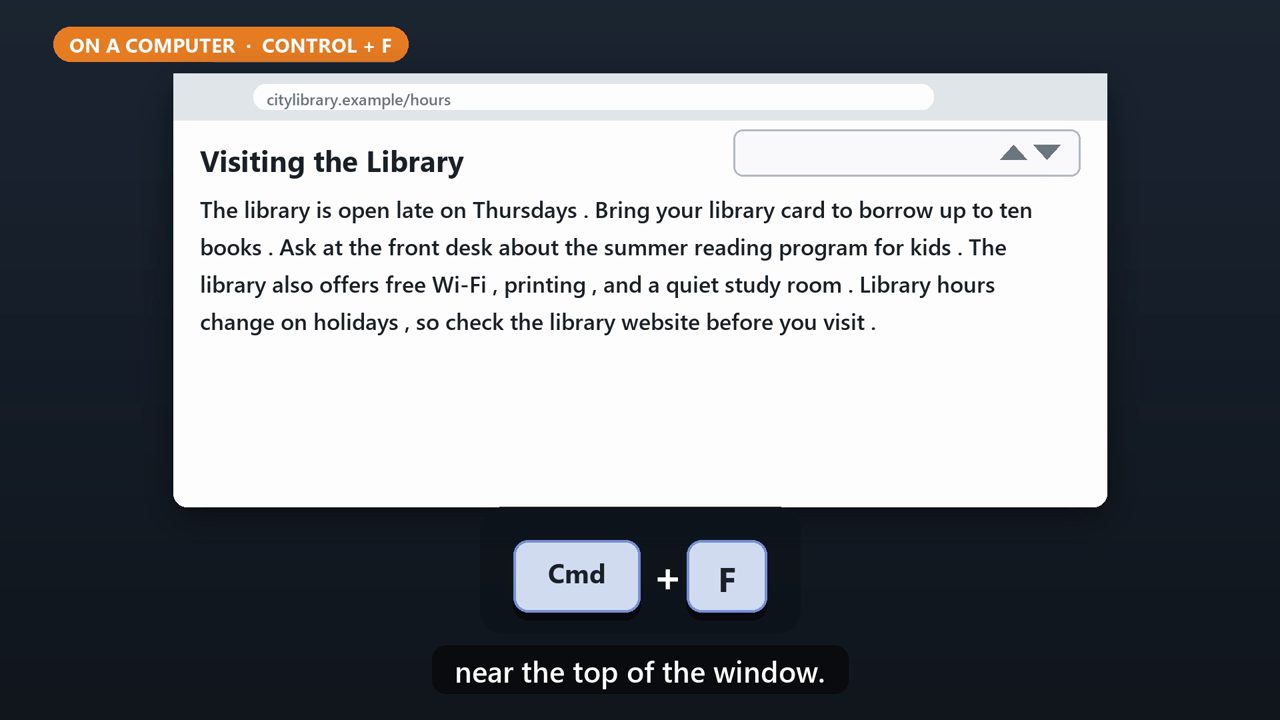
On a Windows computer, hold the Control key and press F. On a Mac, it's Command and F. A small search box pops up near the top of the window.
2. Type The Word
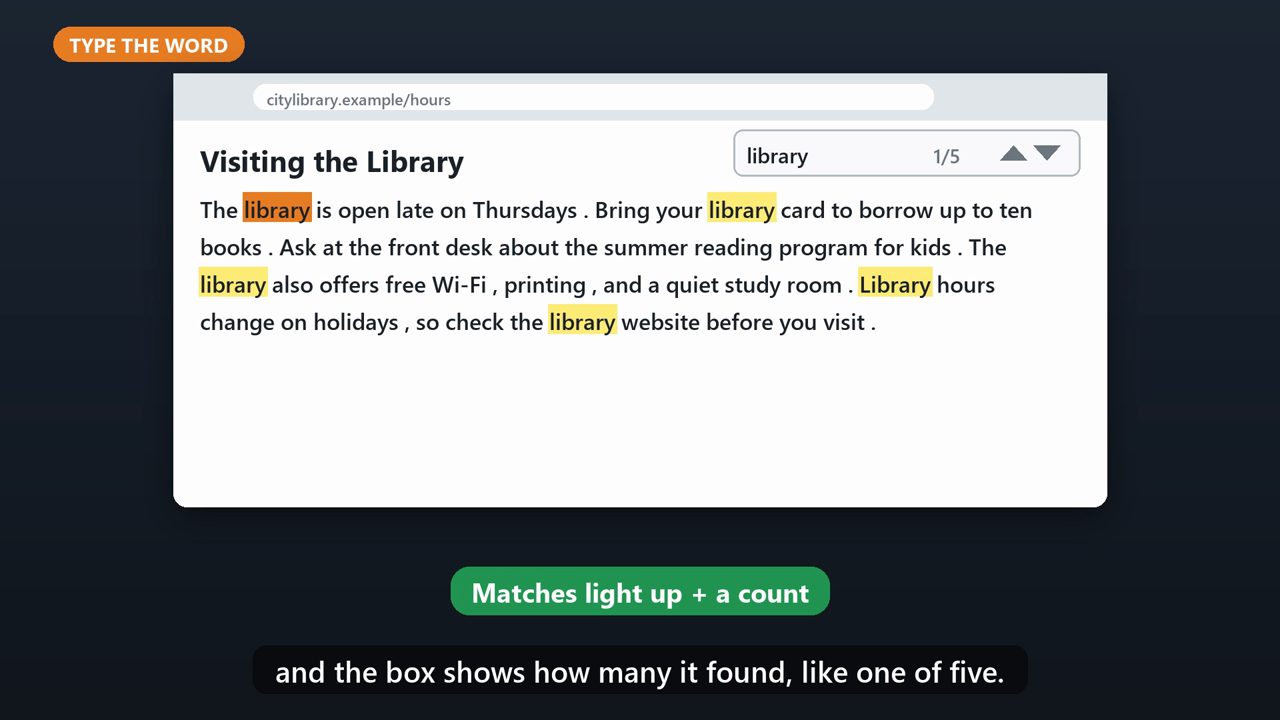
Type the word you're looking for. Every match on the page lights up, and the box shows how many it found, like one of five.
3. Jump Between Matches

Press Enter, or click the down arrow, to jump to the next one. The up arrow goes back. When you're done, press Escape to close the box.
4. Works Almost Everywhere
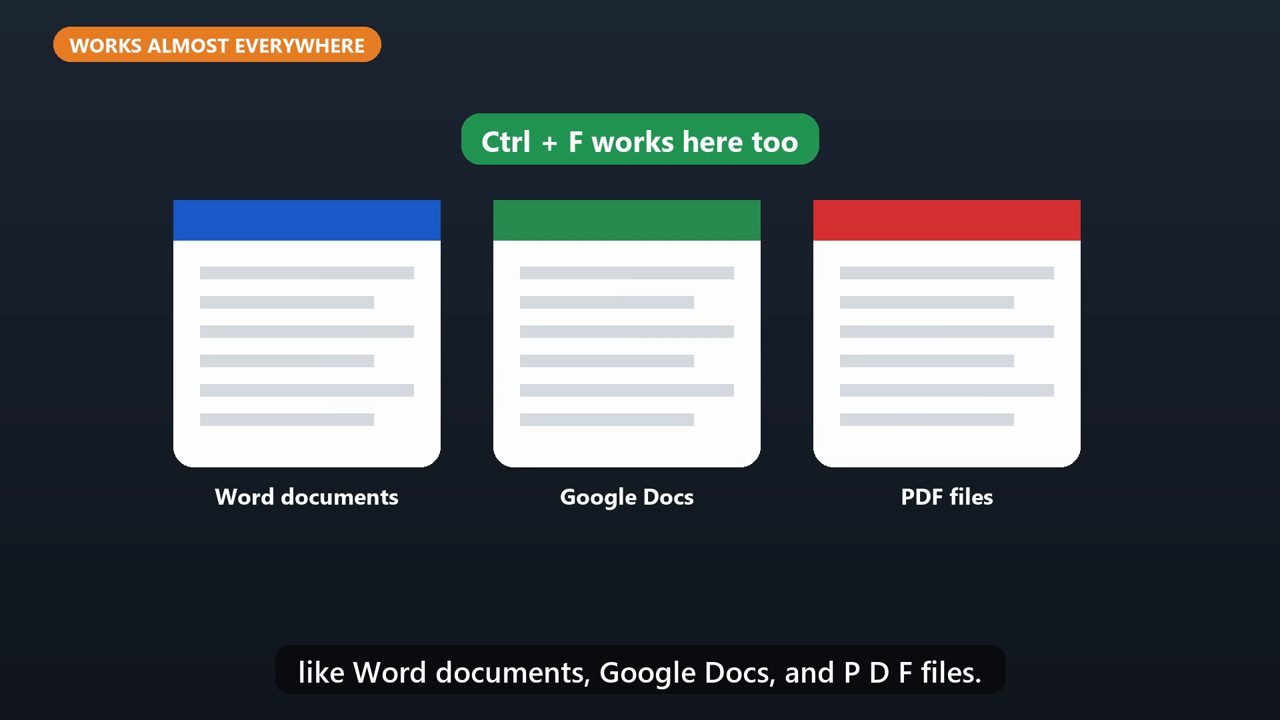
The same shortcut works in lots of places, like Word documents, Google Docs, and P D F files.
5. On A Phone

In Chrome on a phone, tap the three dots menu, then tap Find in page. In Safari on an iPhone, tap the page menu next to the address bar, and choose the option to find on the page. Then type your word.
Tools that make this easier
Simple Google Sheets + Excel tools from WiscHaven. Buy once, no subscription.




Checked against the official sources above. Steps can change as apps update - tell us if something looks different: wischavenindustries@gmail.com